
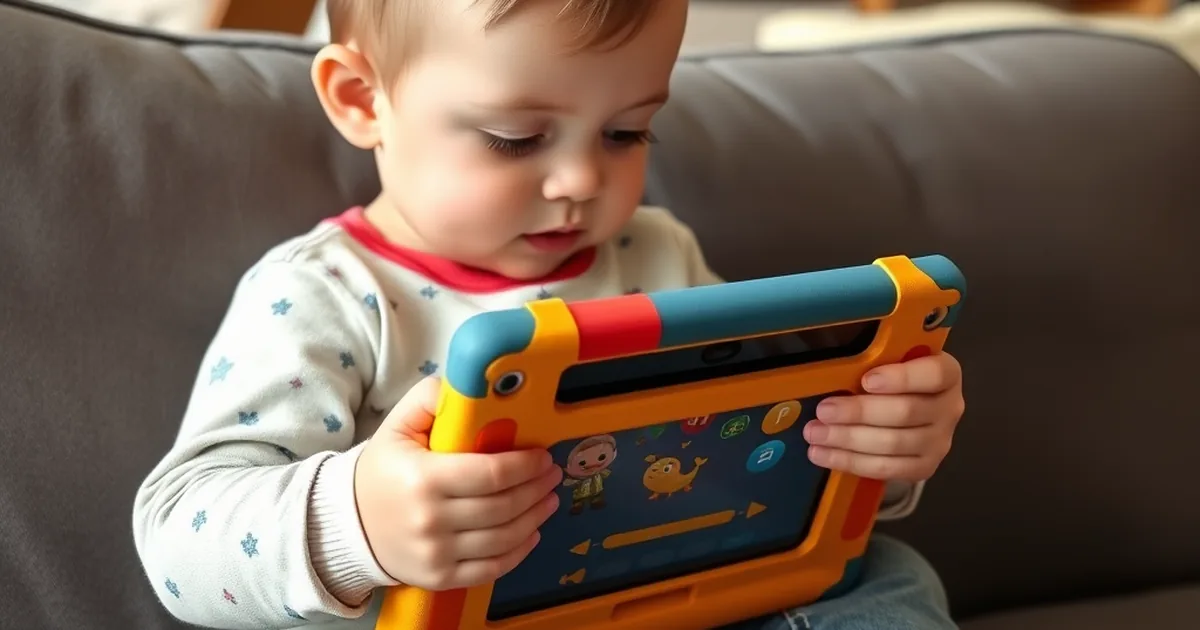
Toddler tablets provide controlled screen time with age-appropriate apps, parental limits, and a case that survives being dropped. The best tablets have a parent dashboard that sets daily limits and approves content, a protective case with a handle or stand, a battery that lasts a car ride, and a replacement guarantee for when the tablet is thrown. Here are the four best toddler tablets of 2026.
Amazon Fire HD 10 Kids Pro
The Amazon Fire HD 10 Kids is the best toddler tablet on this list for most families, because it combines a full-size, responsive tablet with the most complete parental control system available and a two-year worry-free guarantee that replaces the tablet if it breaks for any reason. The Kids edition bundles a Fire HD 10 tablet, a thick foam case with a built-in stand, and a one-year subscription to Amazon Kids+, which includes thousands of books, videos, games, and educational apps curated by age.
The parent dashboard is the Fire Kids' main advantage: parents set daily time limits by content type (educational goals before entertainment), a bedtime cutoff, age filters, and specific app approvals, all from a phone. The 10.1-inch 1080p screen is large enough for two children to watch together, and the 13-hour battery outlasts most road trips. Storage is 32 GB with a microSD slot. The Kids version runs the same Fire OS as the adult tablet and switches to an adult profile with a PIN.
The Fire's limitations are its app ecosystem, which is Amazon's Appstore rather than Google Play, and the Kids+ subscription, which renews at $5.99 per month after the first year. Parents who want specific Android apps or Google services will find the Fire restrictive. The Kids Pro variant, aimed at 6-12, adds a slimmer case and a web browser with filters; the standard Kids variant for 3-7 is the better choice for toddlers.
At $189.99 for the Fire HD 10 Kids with the case and a year of Kids+, the Fire is the best complete package on this list. For most families with a 3-6 year old, it is the tablet that works out of the box, survives abuse, and gives parents control.
Best for: Most families with a 3-6 year old who want a full-size tablet with the most complete parental controls and a two-year replacement guarantee.
Screen: 10.1-inch 1080p
Battery: Up to 13 hours; 2-year worry-free guarantee
Price: $189.99
Amazon Fire 7 Kids
The Amazon Fire 7 Kids is the best budget toddler tablet on this list and the right size for a 2-4 year old's hands. It is the smaller sibling of the Fire HD 10 Kids, with the same foam case, the same two-year worry-free guarantee, the same Kids+ subscription for a year, and the same parent dashboard, in a 7-inch tablet that a toddler can hold in both hands and that fits in a diaper bag pocket.
The 7-inch screen is 1024 by 600, which is lower resolution than the HD 10, and the processor is slower, so apps load less quickly and video is less crisp. For a toddler watching Bluey and playing a shapes game, neither limitation matters much. The battery lasts about 10 hours. Storage is 16 GB with a microSD slot. The Fire 7 Kids is the tablet most families buy as a first tablet for a 2-3 year old, then upgrade to the HD 10 at 5-6.
The Fire 7's lower resolution and slower chip are the trade-offs for a tablet that costs about half the HD 10. It runs the same software, so the parental controls and content library are identical. The smaller case is lighter for a toddler to carry and the handle is easier for small hands.
At $109.99 with the case and a year of Kids+, the Fire 7 Kids is the most affordable tablet on this list with a replacement guarantee. For a 2-4 year old, it is the right size and the right price, and the guarantee means a cracked screen is a free replacement rather than a loss.
Best for: First tablet for a 2-4 year old, with a toddler-sized 7-inch screen and the same guarantee and parental controls as the HD 10.
Screen: 7-inch 1024 by 600
Battery: Up to 10 hours; 2-year worry-free guarantee
Price: $109.99
LeapFrog LeapPad Academy
The LeapFrog LeapPad Academy is the best education-first tablet on this list and the one for parents who want a device that is a learning tool rather than a general tablet with a kids mode. LeapFrog has made children's learning devices since 1995, and the LeapPad Academy is their current flagship: a 7-inch tablet preloaded with 20 educational apps across reading, math, science, and problem solving, with a LeapFrog Academy subscription (three months included) that adds hundreds more. The content is designed by LeapFrog's educators and is sequenced to grow with the child from 3 to 8 years.
The LeapPad runs a kid-safe Android with LeapFrog's own app store, so a child cannot reach the open internet or download arbitrary apps. The parent controls set time limits and track progress by skill. The tablet comes with a bumper case and a stand, a stylus for writing practice, and a kid-safe web browser with a curated list of sites. The battery lasts about 7 hours.
The LeapPad's screen is 1024 by 600 and the hardware is less powerful than the Fire tablets, so it is not a device for streaming video. Its strength is the curriculum: the apps teach phonics, handwriting, and early math in a way that general app stores do not match. The LeapFrog Academy subscription renews at $7.99 per month.
At $139.99, the LeapPad Academy is priced between the two Fire tablets. For families who want a tablet that is primarily a learning device with a structured curriculum, and who do not need a general video and games tablet, the LeapPad is the most education-focused option available.
Best for: Parents who want an education-first device with a structured curriculum from LeapFrog's educators, not a general tablet with a kids mode.
Screen: 7-inch, with stylus
Content: 20 preloaded apps, LeapFrog Academy subscription
Price: $139.99
Samsung Galaxy Tab A9+ Kids Edition
The Samsung Galaxy Tab A9+ Kids Edition is the best Android tablet on this list for families who want access to the full Google Play store and Google's Family Link controls rather than Amazon's ecosystem. It is a standard Galaxy Tab A9+ bundled with a rugged kids case and Samsung Kids, a parental-control mode that creates a locked-down child profile with approved apps, time limits, and a kid-friendly interface. When the parent unlocks it, it is a full Android tablet.
The 11-inch 1920 by 1200 screen is the largest and sharpest on this list, and the processor is faster than the Fire HD 10. The battery lasts about 11 hours. Storage is 64 GB with a microSD slot. Because it runs full Android with Google Play, parents can install any app, including PBS Kids, Khan Academy Kids, and YouTube Kids, and use Google Family Link for cross-device controls that also cover the child's future phone.
The Galaxy Tab A9+ does not include a worry-free replacement guarantee like the Fire tablets, and the case is a separate bundle component rather than an integrated design. The Samsung Kids mode is good but less granular than Amazon's dashboard. The tablet is a better device than the Fire HD 10; the kids package around it is less complete.
At $219.99 with the kids case, the Galaxy Tab A9+ is the most expensive tablet on this list. For families already using Google services who want full Google Play access and the best screen and performance, and who will buy a protection plan separately, it is the strongest hardware here.
Best for: Families who want full Google Play access, Google Family Link controls, and the best screen and performance on this list.
Screen: 11-inch 1920 by 1200
Ecosystem: Full Android with Google Play and Samsung Kids mode
Price: $219.99
How to Choose a Toddler Tablet
How much screen time is appropriate for a toddler?
The AAP recommends no screen time other than video chat for children under 18 months, co-viewed high-quality programming only for 18-24 months, and no more than one hour per day of high-quality content for children 2-5, co-viewed where possible. A tablet is a tool for a parent to use within those limits, not a replacement for them. The parental controls on every tablet on this list can enforce a daily limit; the parent decides what the limit is.
Amazon, LeapFrog, or Android?
Amazon's Fire Kids tablets have the best parental dashboard and a replacement guarantee but a limited app store. LeapFrog has the strongest curriculum but weaker hardware. Android (Samsung) has the best hardware and full app access but a less integrated kids package. For most families, the Fire's convenience wins; for education-first families, LeapFrog; for Google households who want the best screen, Samsung.
Does the tablet need a case?
Yes, always. Toddlers drop tablets, step on them, and throw them. Every tablet on this list comes with a case. Look for a case with a handle or a stand, rounded edges, and a raised bezel that protects the screen face-down. The Fire's foam case is the best integrated design; the Samsung's bundled case is good but detachable.
Frequently Asked Questions
At what age should a child get a tablet?
Most pediatricians suggest not before 2 years, and many families wait until 3. A tablet for a 2-3 year old is a parent-controlled device for occasional use (a long car ride, a flight, a restaurant wait), not a daily fixture. By 4-5, a tablet with educational apps and a daily limit is a reasonable tool. The 7-inch tablets on this list suit 2-4; the 10-11 inch tablets suit 4 and up.
Is the Amazon Kids+ subscription worth it?
For the first year it is included. After that, at $5.99 per month, it provides a curated library of books, videos, and apps without ads or in-app purchases, which is what makes the Fire tablet a safe closed environment. Families who cancel can still use the parental controls and install approved apps from the Amazon Appstore individually. Most families keep the subscription while the child is 3-6.
Can a toddler tablet be used offline?
Yes. Downloaded books, videos, and apps work without Wi-Fi, which is the point of a tablet on a flight or a road trip. Download content at home before leaving. The Fire tablets and the LeapPad have a download manager in the parent dashboard; on the Samsung, download within each app.